Make the mix yours
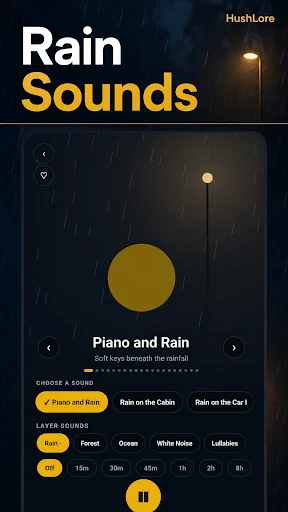
Adjust rain, thunder, and music individually instead of using one fixed recording.

Choose the rain you like, blend in thunder or music, and save a soundscape for reading, winding down, or a focused stretch of work.
Rain Serenity: Rain Sounds · Android
Free to download; paid features or subscriptions may apply. See Google Play for current availability and purchase terms.

A good background sound should be easy to shape and easy to return to. Rain Serenity lets you combine rain, thunder, and ambient music with separate volume controls, then save the mix you enjoy.
Adjust rain, thunder, and music individually instead of using one fixed recording.
Save compositions and use playlist options to return to the soundscapes you prefer.
Use background playback and the sleep timer to let the sound fade out at the end of your session.
For listeners who want rain and nature ambience during a quiet evening, meditation, study session, or other personal routine. Choose a comfortable listening volume and the sound that suits your space.
Hushlore is the website linked from RivetSoft’s Rain Serenity: Rain Sounds Google Play listing. The former Hushlore and Rain Serenity entries on this catalog referred to that same Android product.
The current listing describes offline listening and background playback. Check the current release for available recordings and device-specific behavior.
The current Rain Serenity listing says no subscription and no account are required. Google Play remains the reference for the current Android release and purchase information.
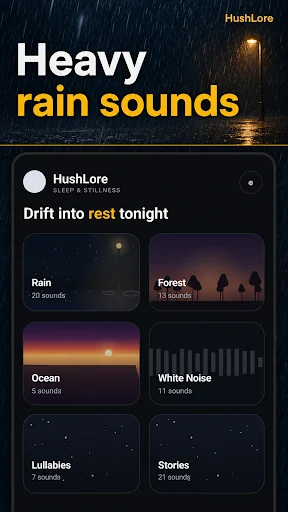
Real screenshots from the official Google Play listing.
Published by Rivets Software LLC · Product information reviewed October 27, 2026.