Can I recover deleted photos from my SD card?
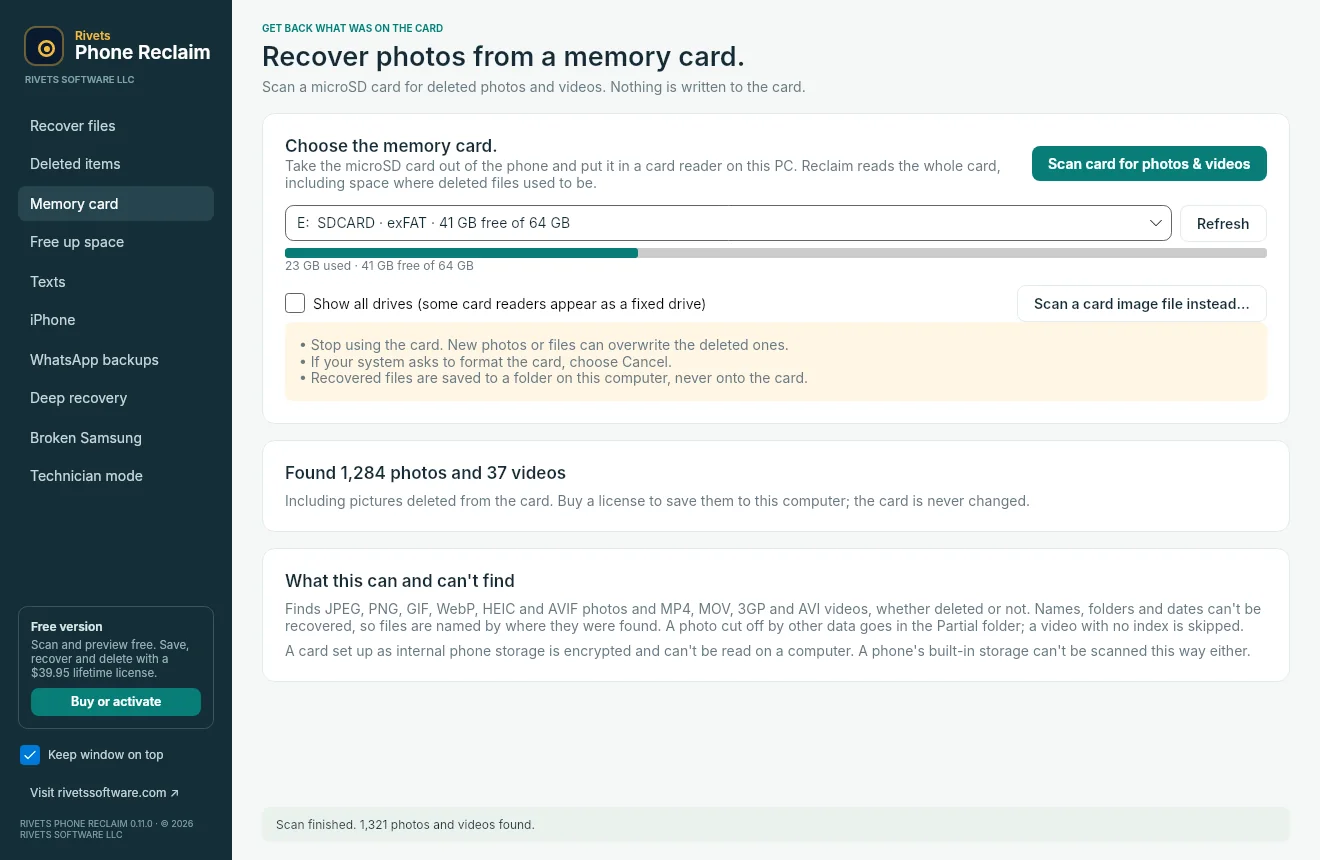
Often, yes. Take the microSD card out of the phone, put it in a card reader on your computer, and scan it with Phone Reclaim. It reads the whole card, including space where deleted photos and videos used to be. Stop using the card first, because new photos can overwrite the deleted ones. A card that was set up as internal phone storage is encrypted and can't be read this way.
Can it recover photos deleted from my Android phone's internal storage?
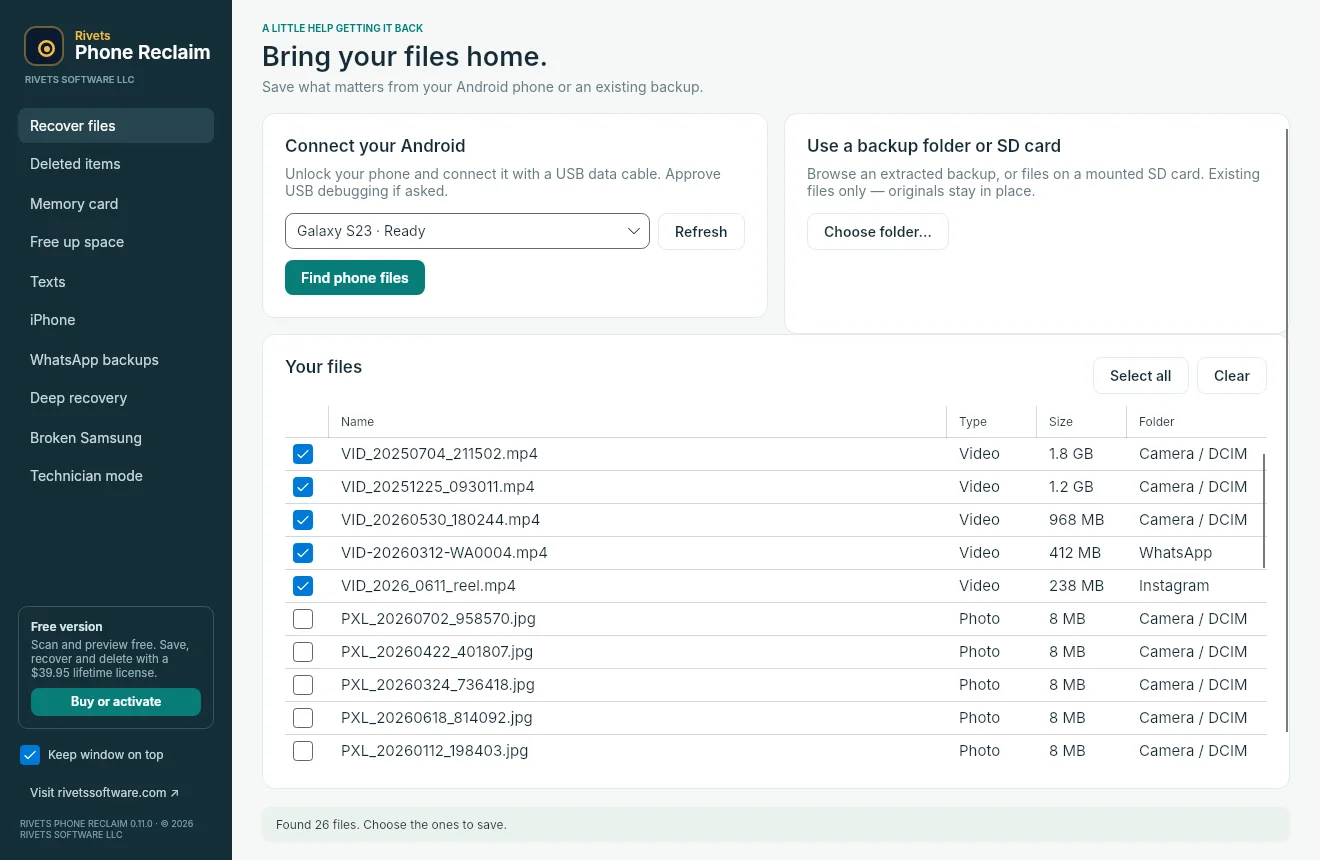
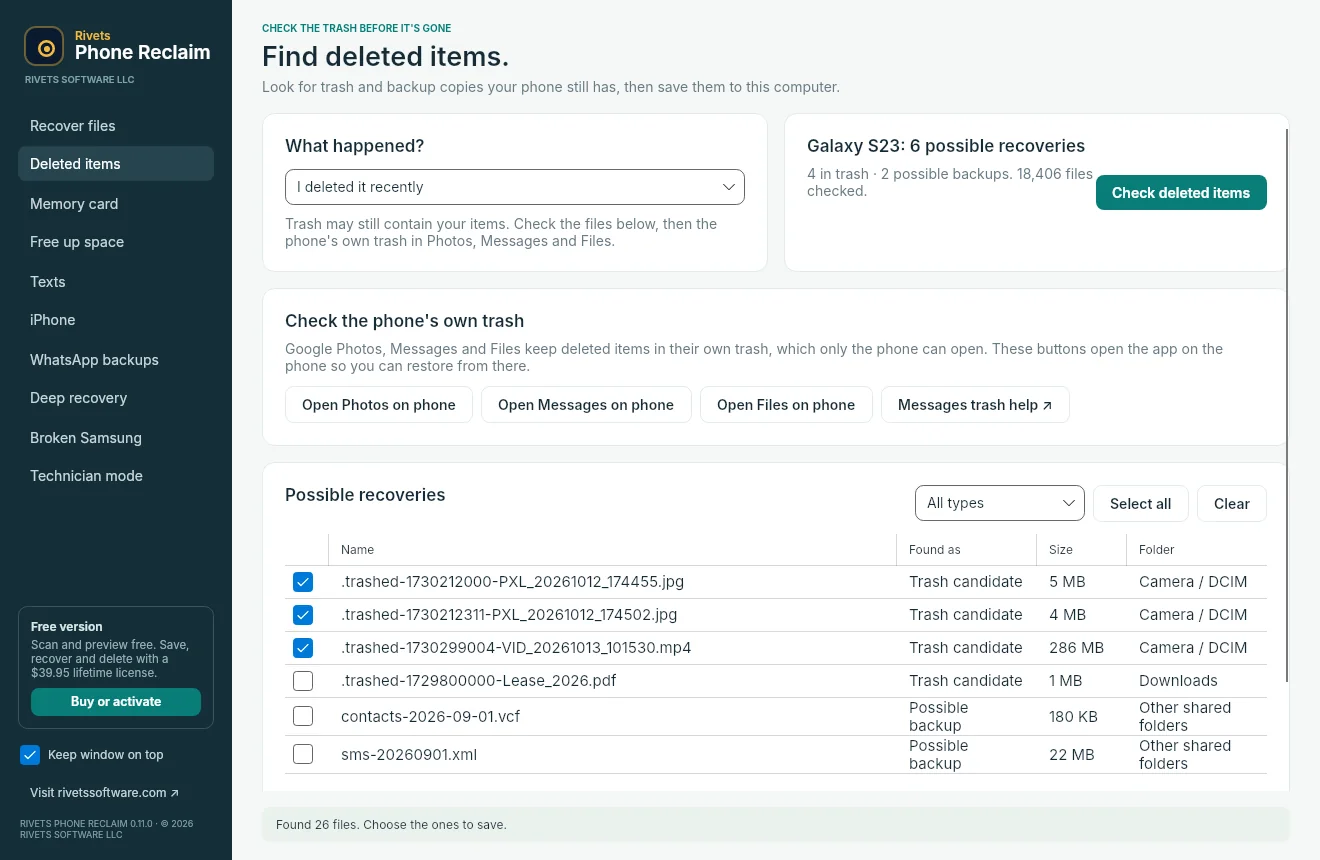
Only if a copy still exists. Modern Android phones encrypt their storage, so once a photo is erased from internal memory no app can rebuild it. Phone Reclaim finds what is still there: items in the trash, leftover backup copies, and files in app folders such as WhatsApp, Facebook and Instagram. It also opens Google Photos, Messages and Files on the phone so you can restore from their trash.
How do I free up storage on my Android phone without losing photos?
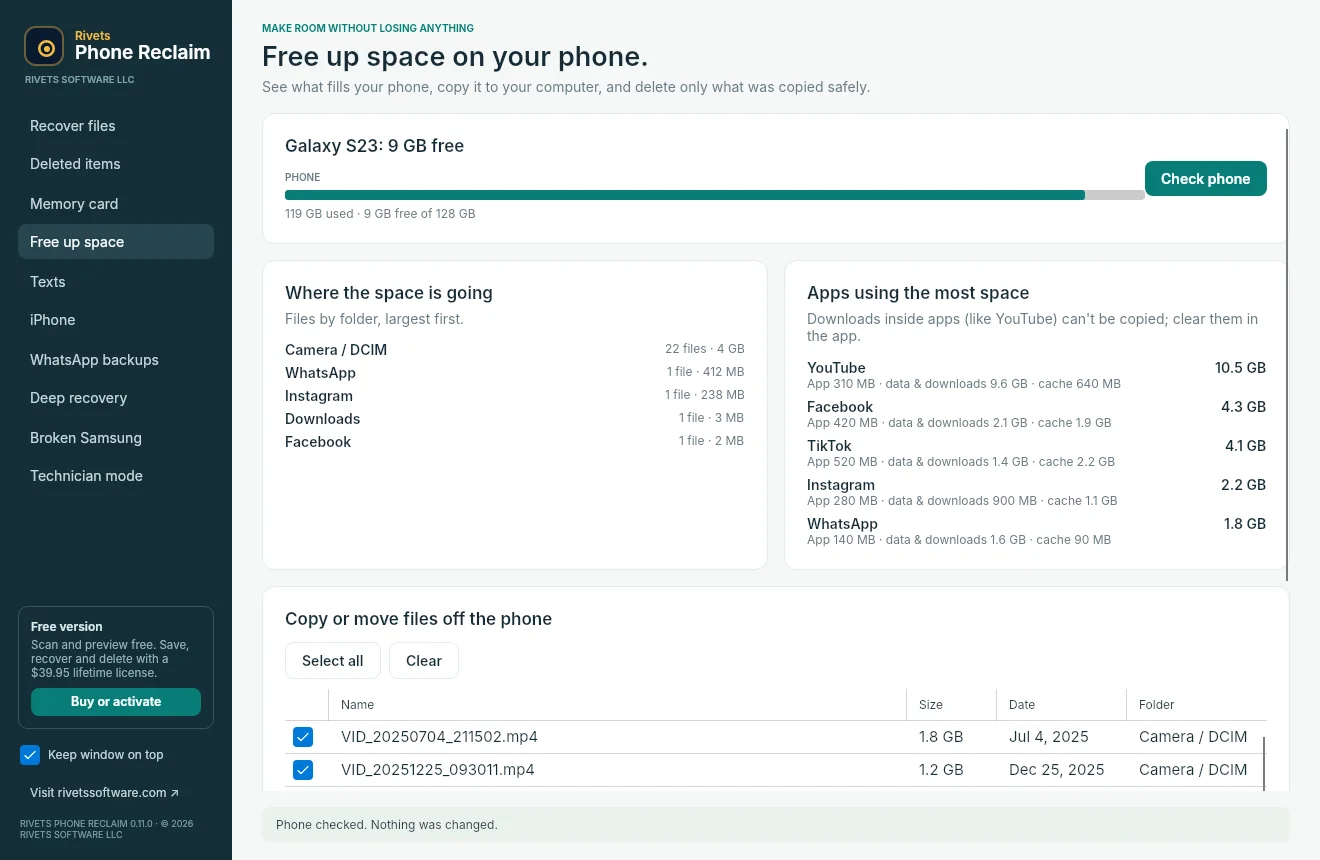
Connect the phone, choose Free up space, and Phone Reclaim shows which folders and apps use the most room. Pick files and choose Copy, then delete from phone. Each file is copied to your computer and checked byte for byte. A phone file is deleted only when its copy matches exactly.
How do I delete old text messages to free up space?
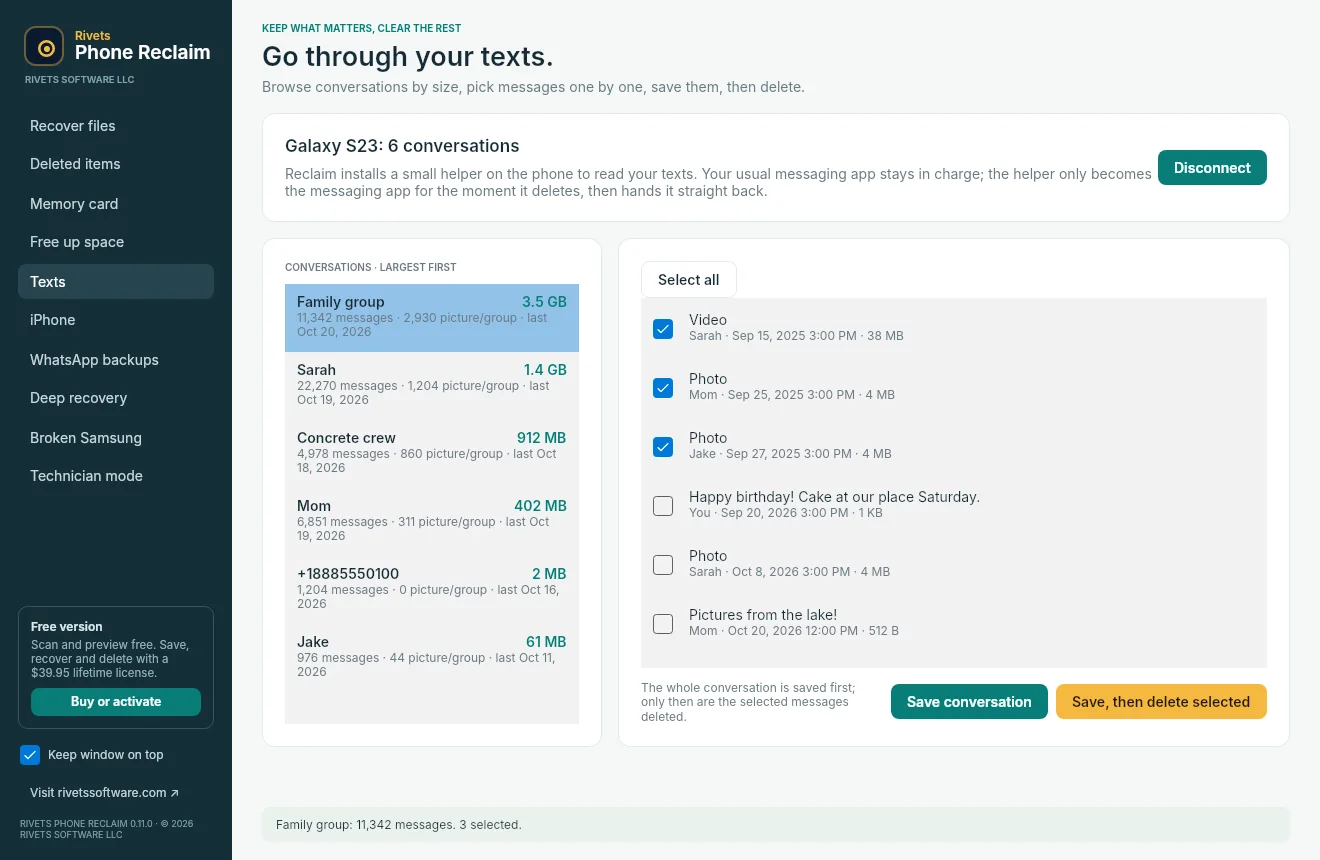
Phone Reclaim lists your conversations largest first, so you can see which group chats are full of photos and videos. Open one, tick the messages you want gone, and choose Save, then delete selected. The whole conversation is saved to your computer first. A small helper app becomes the phone's messaging app only during the delete, then hands control straight back. Requires Android 10 or later.
My phone screen is broken. Can I still get my photos off?
Sometimes. A phone with a broken screen must still allow a computer to read it. Plug in a USB-C mouse with an OTG adapter to tap Allow, connect a TV or monitor (Samsung DeX), or use Samsung Find My Mobile if the phone is signed in. Phone Reclaim's Broken Samsung check shows whether the computer can see the phone over USB at all. No software can bypass a locked phone's security.
Is it free?
Scanning and previewing are free, so you can see what Phone Reclaim finds before you pay. Saving, recovering and deleting need a $39.95 lifetime license that covers 3 phones and 2 computers, on Windows or Mac.
Does it work on Mac?
Yes. Phone Reclaim runs on Windows 10 and 11 and on macOS, and one license covers both. The memory card, Android, free up space, texts and WhatsApp features work on both systems.
What do I need to connect my Android phone?
A USB data cable (some charging-only cables don't carry data) and USB debugging turned on in the phone's Developer options. Phone Reclaim shows the steps when you connect. The first time, tap Allow on the phone to trust your computer.
Are my photos or texts uploaded anywhere?
No. Everything is copied straight from your phone or card to a folder on your own computer. The only thing Phone Reclaim sends online is your license check, which contains no photos, messages or file names.