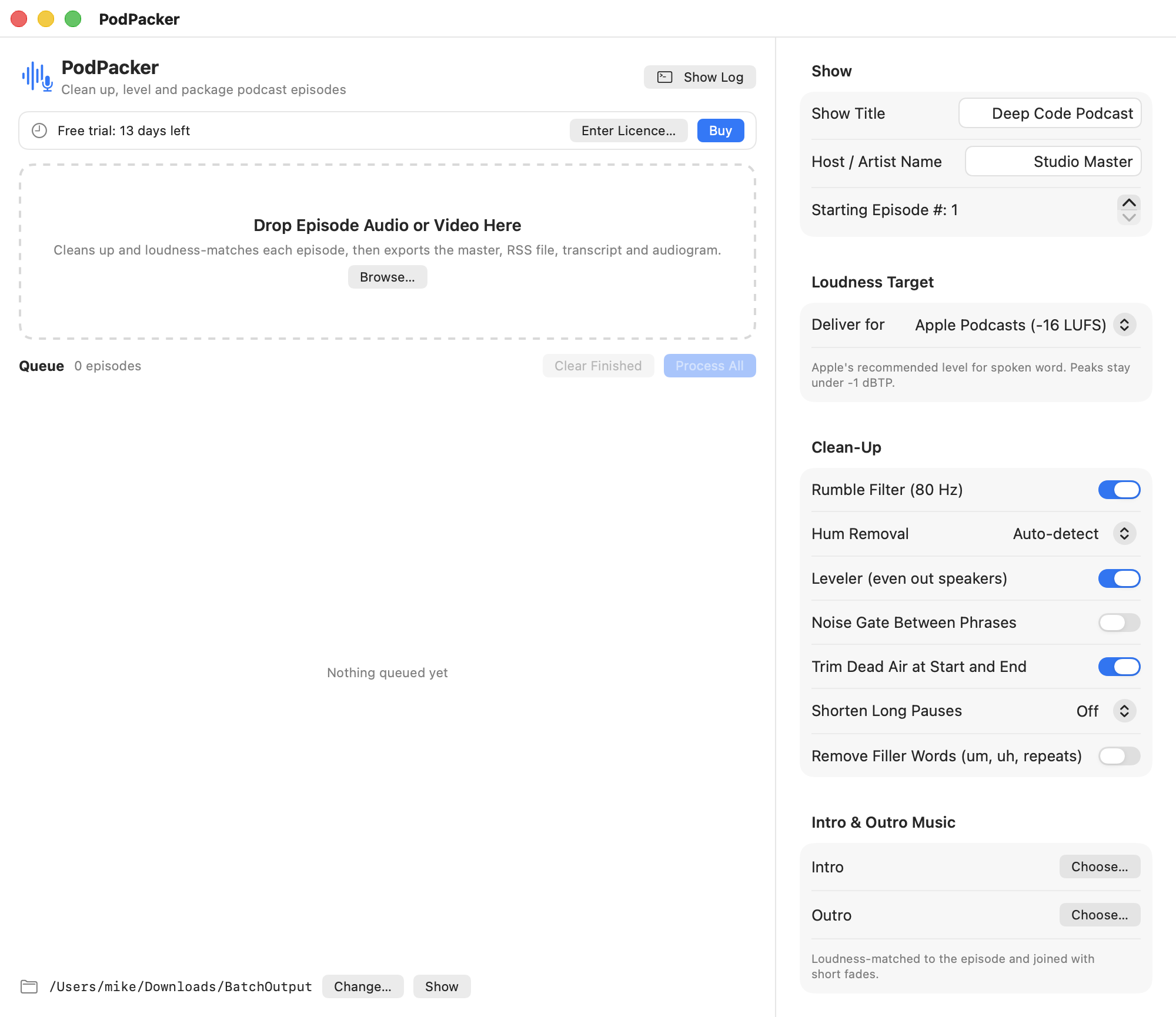
To normalize podcast audio, finish editing the episode, measure its integrated loudness and true peak, and export to the target for your platform. Apple Podcasts recommends around −16 LKFS with a tolerance of one decibel and a true peak at or below −1 dBFS. PodPacker can apply an Apple Podcasts preset on a Mac and give you a loudness report to review. Apple Podcasts audio requirements
Check the voices before you normalize the whole episode
Listen to the quietest and loudest parts of the edit. A guest who recorded far from the mic may still be hard to hear after you normalize the episode as a whole. Bring the voices into a comfortable range first. Check where the host interrupts, laughs, or starts talking over the music.
Apply cleanup only where it helps. PodPacker has filters for rumble and hum, a leveler, a noise gate, and controls for dead air and long pauses. Try a small section first. A loud breath or chair scrape can be distracting, but overly aggressive cleanup can also clip word endings or make a conversation feel rushed.
What is the difference between loudness and true peak?
Integrated loudness estimates the perceived level of the whole episode. True peak estimates the highest signal level in the reconstructed audio. A brief laugh can have a high true peak even when the interview sounds quiet on average.
For example, an edit measured at −20 LUFS with a true peak of −3 dBTP needs about four decibels to reach −16 LUFS. A simple four-decibel boost would move the estimated peak to +1 dBTP. Control the loud moments first, then measure both numbers again. The report is a check on the export. Listen to the problem sections as well.
Export the file you will actually upload
Choose the destination preset and export your finished mix. Check the current loudness target for each platform you deliver to, and save separate presets for podcast, video, and broadcast work. See the tools and trial for PodPacker for Mac.
Apple Podcasts accepts MP3 or AAC for RSS feed audio. PodPacker can produce AAC without FFmpeg. With FFmpeg installed, it can produce MP3 and embed chapters in that output. Confirm what your podcast host accepts, listen to the exported file, and check its duration before you schedule the episode. Apple's RSS audio format guidance
When should I make the transcript and captions?
Generate them from the final edit so the timestamps match what listeners hear. Review proper names, abbreviations, and speaker turns before handing them to your host. PodPacker can export SRT, VTT, and plain text. Its on-device transcription, burned-in captions, and filler-word removal require macOS 26. The app's main audio processing runs on macOS 14 or later. Apple Podcasts transcript options
Save a reviewed preset for the next episode and keep the exported audio separate from the recording. The Batch Studio workflow guide shows how to test and reuse settings without mixing finished exports into your source files.