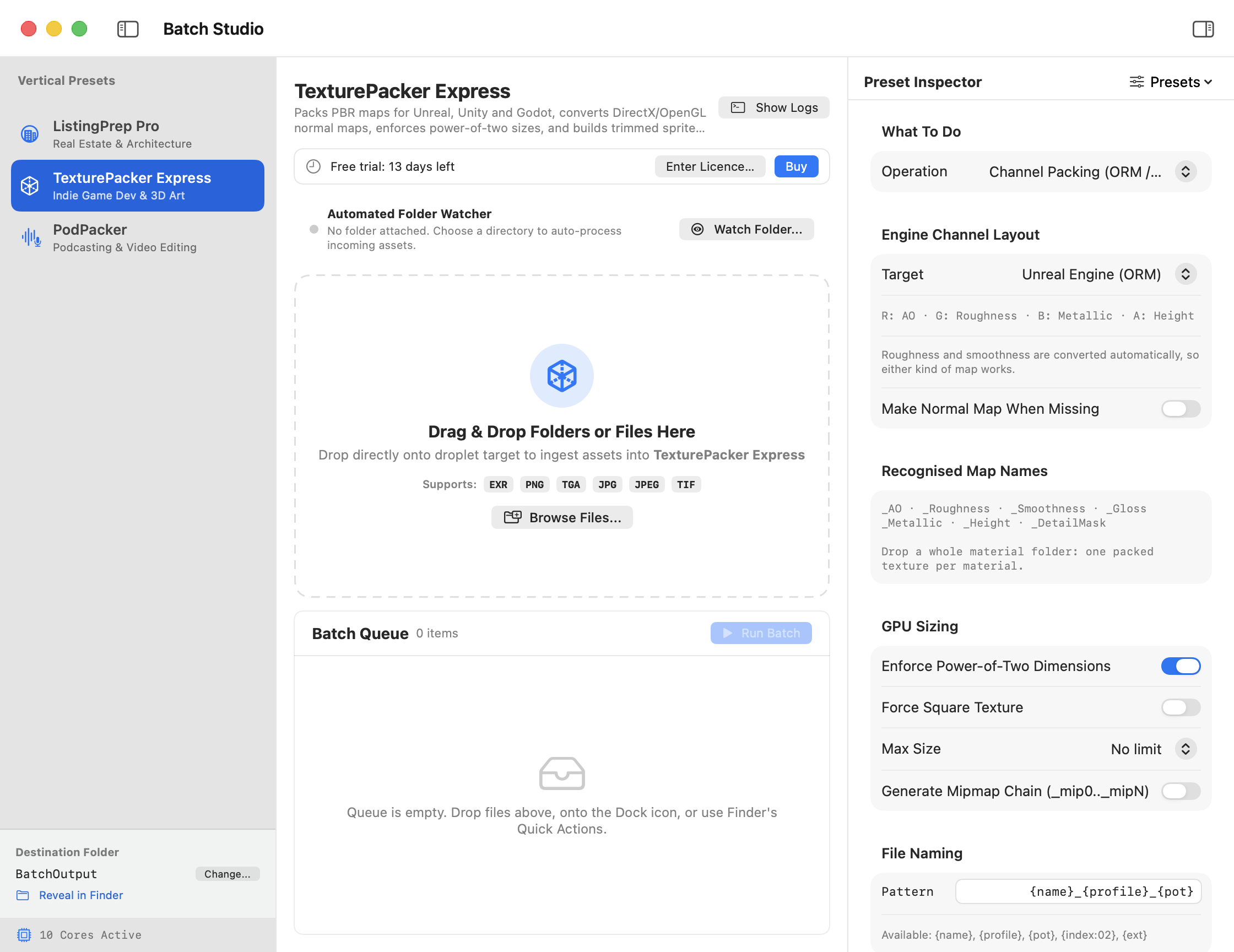
Batch processing on a Mac means applying a saved set of steps to a folder of files. Set the output format and destination, run a small sample, then use the same settings for the rest. Batch Studio brings that workflow to real estate photography, game textures, and podcast audio on macOS 14 Sonoma or later.
Choose the job before you choose the settings
A good batch starts with one clear deliverable. “Make web-ready copies of the listing photos” is specific enough to test. “Fix the whole shoot” leaves decisions about crops, highlights, and portal requirements to be made while the batch is running.
- Real estate photos. Merge exposure brackets, straighten walls, and export copies for your listing portal. A separate full-resolution set can go to the client. See how to batch resize real estate photos for MLS.
- Game assets. Pack grayscale material maps into engine-ready channels or build a sprite sheet with matching data. See how to pack ORM textures for Unreal and glTF.
- Podcast audio. Clean up and level a finished edit, check loudness, and export a file for your podcast host. See how to normalize podcast audio for Apple Podcasts.
For a folder that only needs one image resize, Apple's Preview can apply the same dimensions to multiple selected images. A reusable workflow earns its place when you have several processing steps or need different output sets from the same source files. Apple's guide to resizing images in Preview
Run a sample you can judge in a minute
Pick a normal file and an awkward one. For real estate that might be a bright exterior and a room with a blown-out window. For a podcast, listen to an exchange between two speakers who recorded at different levels. For textures, choose a material with an obvious mix of rough and shiny surfaces so a channel mix-up is easy to spot.
Set a separate output folder and run Batch Studio's preview. The dry run lists the files it plans to write and warns about name conflicts or replacements. After running the sample, open the actual output in the place it will be used. Inspect the listing thumbnail, import the texture into the engine, or listen to the encoded episode through headphones.
Save the settings you can use again
Name the preset after its destination or client, such as Broker A MLS upload or Show A RSS master. That makes it easy to find the right settings a month later. Batch Studio can export presets for teammates. Send the preset with a sample output and say where the original files and exports should live.
Once a preset has worked on a few real jobs, you can point the folder watcher at a dedicated intake folder. Keep incoming files separate from finished exports, and use filenames that identify the job or date. If you prefer a script or a scheduled workflow, the suite also includes a command-line tool.
Do I need the full suite?
Each standalone app handles one type of work. Batch Studio combines all three in one window and includes the folder watcher, Finder and Dock shortcuts, and the command-line tool. A suite license also unlocks the three standalone apps. All four have a 14-day trial, after which batches are limited to three files until you enter a license.
Visit Batch Studio for Mac to choose the suite or one of the standalone trials. Start with a job you expect to repeat next week so you can judge how much setup the saved preset actually saves.