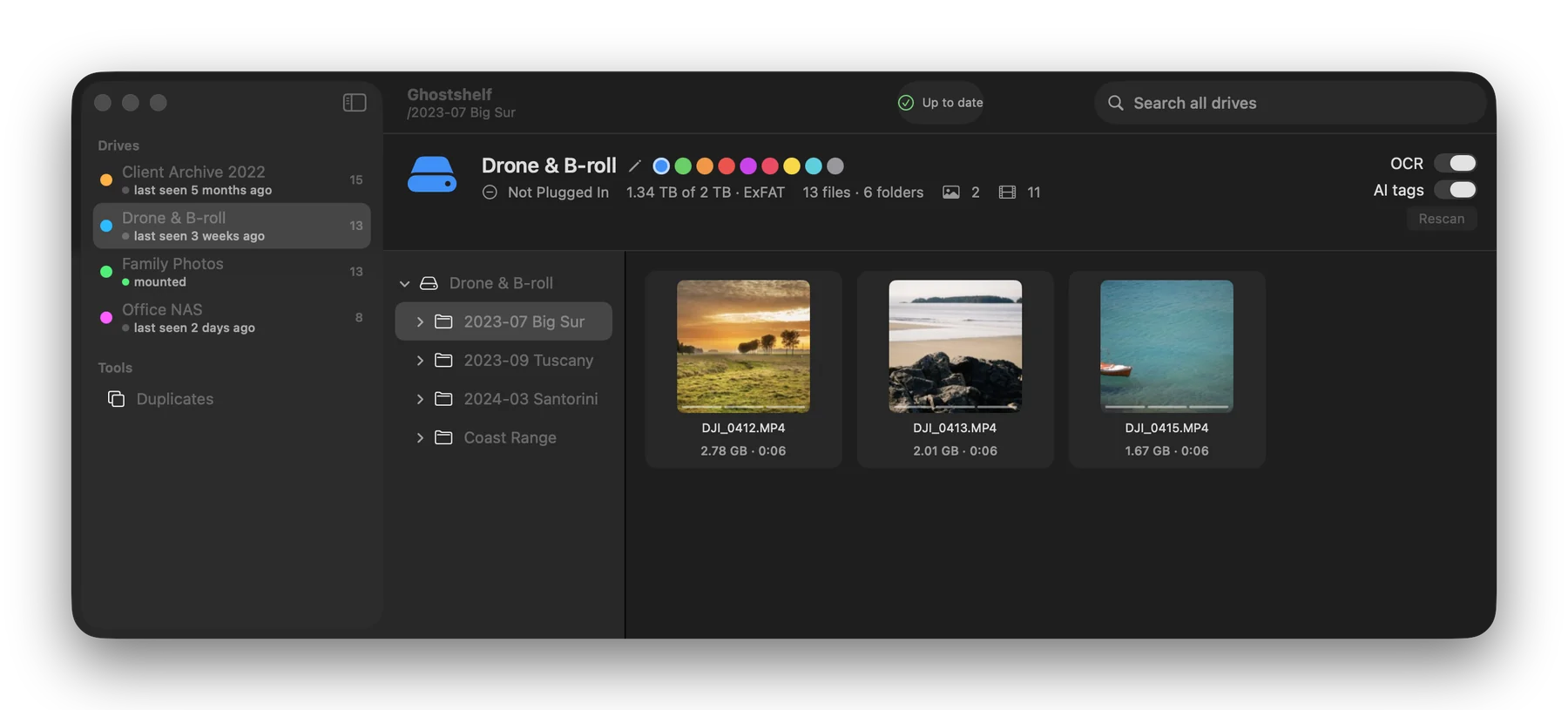
To organize photos on external hard drives, give each drive a physical label, use a consistent folder pattern, and keep a verified copy of important photos on separate storage. If the drives spend most of their time unplugged, Ghostshelf can index them on your Mac so you can look up a shoot before reaching for a cable.
Give every drive a name you can read in the drawer
Start with the drive you open most often. Give it a short label such as PHOTO A, and use that same name on the drive and in your catalog. Label the second copy PHOTO A BACKUP. When several enclosures look alike, a physical label saves more time than relying on their capacity or case color.
Write down what's on the drive and the last time you checked its backup. A small inventory with the drive name, years or projects, and backup location is enough to start. This also gives you a reference if an enclosure stops mounting.
Choose folders around how you look for a photo
A family archive can start with year and event. A photographer delivering jobs might use 2026 / Client / Shoot date and name. Inside a shoot, separate camera originals from edits and delivered JPEGs. When renaming photos, keep enough of the original sequence to distinguish similar frames and preserve links from your photo editing catalog.
Choose a folder or two and test whether you can locate a file from a clue you'd actually remember. Search for a year, a place, or a client. If you always remember the event first, add an event name near the date. The Library of Congress recommends descriptive names, a usable folder structure, and copies stored in separate locations. Library of Congress digital preservation guidance
Catalog the first drive before you unplug it
Connect the disk and catalog it in Ghostshelf for Mac. Filenames and folders become searchable first. Previews and other passes can take longer, depending on the drive. After indexing a sample, eject the disk and use Option-Space to look for a known file. Check whether the result gives you the right drive and path. Reconnect the disk to open the original.
The free edition catalogs two drives. The paid tiers expand capacity and search features. If you need to find a letter by the text inside it or locate a photo from a visual clue, check the current features on the Ghostshelf pricing page. Our guide to searching unplugged drives explains the indexing stages and search options.
How do I make sure the archive is backed up?
Copy your originals to separate storage and open a sample directly from the backup. Include a camera original, a large video, and a delivered JPEG. Keep one copy somewhere that wouldn't be affected by the same accident. Ghostshelf stores an index and previews. Restoring a missing original requires a copy of that file.
Check your backups again before deleting duplicates or reorganizing a large library. A JPEG export and its camera original may look almost identical and serve different purposes. If you're building an archive from family papers as well, see how to transcribe and organize old handwritten letters.